

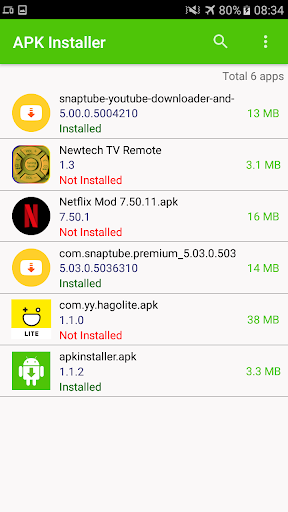
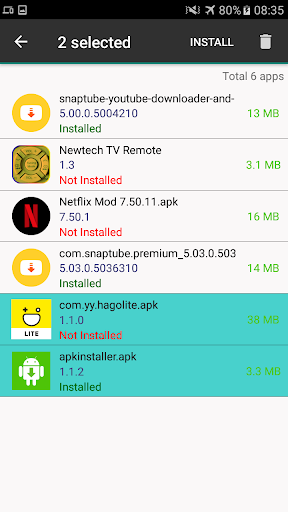
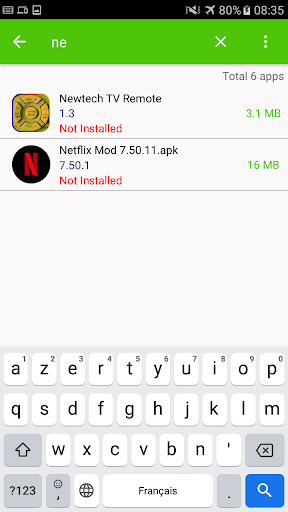
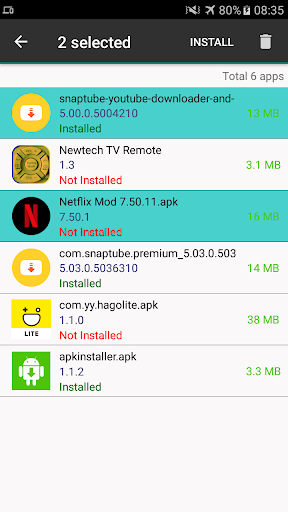
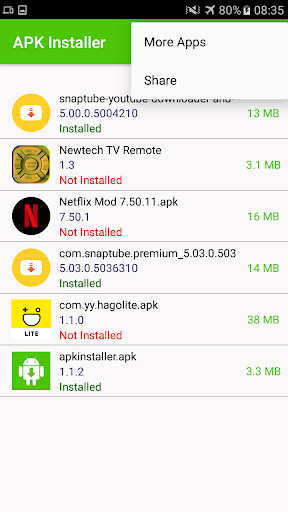
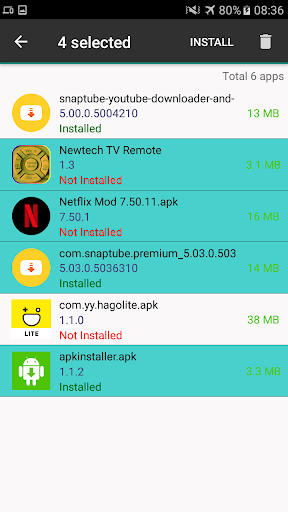
APK Installer emerges as a seamless solution for Android users who require a more versatile and accommodating method of managing their application package files. This essential utility simplifies the process of installing apps obtained from sources outside the conventional app stores, providing a straightforward pathway to bring new functionalities and experiences to your device. It acts as a dedicated gateway, ensuring that even complex installation procedures become accessible to everyone.
Effortless Installation Process
This app fundamentally transforms how users interact with `.apk` files. Instead of navigating through complex file directories or relying on the system’s default, often limited, installer, the platform provides a streamlined experience. For example, if you download an app’s installation file from a browser, this tool can automatically detect and present it for installation with just a few taps, eliminating guesswork and potential errors.
Intuitive User Interface
Designed with clarity in mind, the interface ensures that users of all technical proficiencies can easily navigate its functions. Every option is clearly labeled, and the visual layout guides you through each step of the installation process. This thoughtful design means you won’t spend time searching for the right button or feature, making the entire experience quick and frustration-free, even for those new to sideloading applications.
Simplified File Management
Beyond just installation, this utility also aids in managing your application package files more effectively. It can often help you locate and view available `.apk` files on your device, giving you a centralized hub for all your offline app installers. This makes it easier to keep track of downloaded applications, ensuring you can reinstall them quickly if needed without having to re-download them.
Enhanced App Accessibility
The core benefit of using such a platform is the expanded access it provides to a wider ecosystem of applications. It empowers Android users to install apps that might not be available in their region’s primary app store, or to test beta versions of software. This freedom of choice allows for a more personalized and feature-rich device experience, tailored precisely to individual preferences and needs.













Write a review